

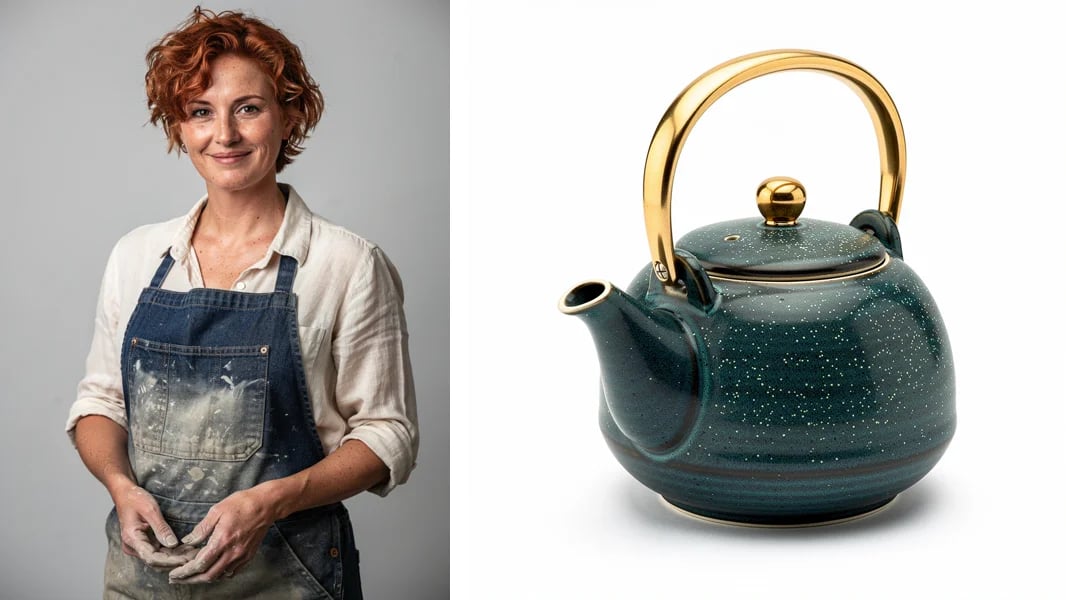
/image/generate and the clip reference-to-video made from them. The potter keeps her hair, freckles, and apron, the teapot keeps its glaze and gold handle, and the line at the end is spoken on camera.
VENICE_API_KEY is set:
Choose a model
Every tier has the same three variants:
Prime is the faster option at a higher price: the pottery clip took 205 seconds on standard and 131 on Prime. Each ID also has a dotted form, such as
wan-3.0-reference-to-video.
Image-to-video and reference-to-video both take images, for different jobs. Image-to-video opens on image_url exactly and, if you send end_image_url, ends on it. Reference-to-video treats images as references: what is in them appears in the clip, framed however the prompt says. Use image-to-video when the first shot is fixed, and reference-to-video when you need the same person or product across shots.
Durations, aspect ratios, and resolutions come from /models. This query returns them:
2s, 5s, 10s, 15s, 20s, 25s, and 30s, the aspect ratios 16:9, 9:16, 1:1, 4:3, and 3:4, and prompts up to 20,000 characters. Image-to-video and reference-to-video add adaptive, which follows the shape of your input. Those details can change, so read them from the API. The reference limits are not in /models; they are in step 2.
1. Get a price quote
Billing is per second of output, at a rate set by tier and resolution. On October 23, 2026, standard cost $0.065 per second at 480p, $0.13 at 720p, and $0.26 at 1080p, and Prime cost $0.088, $0.182, and $0.364. Pro cost $0.237 at 1080p, $0.272 at 2K, and $0.296 at 4K, and Prime Pro cost $0.331, $0.355, and $0.379. The three variants in a tier cost the same, and turningaudio off does not change the price.
Reference videos are billed on top, at the job’s rate and to the fraction of a second, so a 4.2-second clip adds 4.2 seconds. Reference images and audio are free. Quote needs no API key; add reference_video_total_duration, in seconds, when the job has reference videos:
2. Queue the job
This is the request behind the pottery clip, with the two images pointing at the copies in these docs so you can run it as is:
The reference videos and
duration together must also fit in 30 seconds. Videos can be MP4 or MOV and audio MP3 or WAV. Images smaller than the 240-pixel minimum on the short side are scaled up rather than rejected.
In the prompt, @Image1 is the first entry in reference_image_urls, @Image2 the second, and so on, and @Video1 and @Audio1 count the same way in their own arrays. Name every reference you send, including audio: write @Audio1 where the voice or sound belongs.
Wan 3.0 does not use reference_document_urls, even though the API reference lists it. Prime, Pro, and Prime Pro reject it, and the standard tier accepts the document, ignores it, and charges for the job as usual.
The response gives you the handle for everything that follows:
queue_id, poll with it. If the response never arrived, sending the job again can charge you twice. Queue is limited to 40 requests per minute and retrieve to 120; both report x-ratelimit-remaining-requests.
Most mistakes are rejected here with 400 and no charge: a value that is not in /models, a field the variant does not take, too many references, audio without an image or video, or a missing aspect_ratio. The body says what is wrong in issues[].message. Clip lengths are checked after the charge, so a reference clip that is too long or too short gets a queue_id here and fails on the first retrieve, with the charge refunded.
3. Poll and download
Call retrieve with the values from the queue response:video/mp4 and the body is the video. Branch on Content-Type.
The two numbers are milliseconds: how long jobs on this model usually take, and how long yours has been running. The average sat at about 7.5 minutes on every model we tried, and every job beat it. Jobs took 1 to 5 minutes: 2-second tests at 480p a little over a minute, and jobs built on a 5-second reference video 3 to 5 minutes. Poll every 10 to 15 seconds rather than sleeping until the average.
The MP4 is H.264 at 30 frames per second with stereo AAC audio, or with no audio track if you sent audio: false. 720p comes back at 1280×720 and standard 1080p at 1920×1080, but Pro and Prime Pro returned 1936×1088 for 1080p.
If it fails
A failed job stays failed: polling again returns the same status and body. Jobs that fail before generation starts, such as a reference clip outside the length limits or an image Venice cannot decode, are refunded within seconds of being queued. Their bodies carry onlyerror; the errors table lists them.
Clean up
Passdelete_media_on_completion: true on retrieve and the stored video is deleted in the same call that returns it. Any later retrieve for that id returns 404. Leave it off if you want to download the video more than once.
Workflows
The pottery clip is the subject workflow: images in, the same people and objects in the clip. The requests below are the other workflows as we ran them, with the inputs at placeholder URLs. All but the last use reference-to-video, where the prompt decides what the model does with a clip.Movement from a clip
A reference video can supply camera movement or motion without its content. Here a 5-second orbit around a statue, made withwan-3-0-text-to-video, set the camera move around the potter:
A voice for the dialogue
Say in the prompt that the line is spoken in the voice from@Audio1. Here a 6-second line from /audio/speech supplied the voice:
Edit a clip
Describe the change, name what has to stay the same, and setduration to the clip’s length:
adaptive, the 854×480 source came back at 1280×718.
Extend a clip
The result starts with your clip, regenerated, and carries on from there, soduration is the length of the whole result: the clip plus the new footage.
"duration": "5s" returned the orbit and nothing more. The opening is regenerated rather than copied, so if you need your original frames, cut the new footage off the end and join it to your clip. The clip’s seconds are billed twice, as reference video and as part of the result. Because the clip and duration share the 30-second limit, a 10-second clip can grow by 10 seconds at most.
First and last frames
This one uses image-to-video. Send the opening frame asimage_url, the closing frame as end_image_url, and describe what happens in between. Both frames came from /image/generate, and the second was made from the first with /image/edit so the room matches:
Writing prompts
Wan 3.0 follows a structured prompt closely, and these habits helped in our runs:- Give each stretch of the clip a timestamp, such as
0-4s:and4-10s:. In the pottery clip, the lift and the push-in land where the prompt put them. - Put dialogue in double quotes, and say when a character should stay quiet. Left to itself, the model filled quiet moments with small words: the first take of the pottery clip added “Okay.” before the line. The second take, with
She is silent.in the first shot andsays only:before the line, had just a quiet “Mm.” - Name camera moves plainly:
slow push-in,static camera,one slow orbit. - Describe the sound you want, including room tone and ambience. Wan 3.0 has no negative prompt, so write exclusions such as
no musicinto the prompt itself.
Complete example
This script made the pottery clip: it quotes the job, queues it with the two images as data URLs, polls until the MP4 arrives, and saves it. Save the potter and the teapot next to it as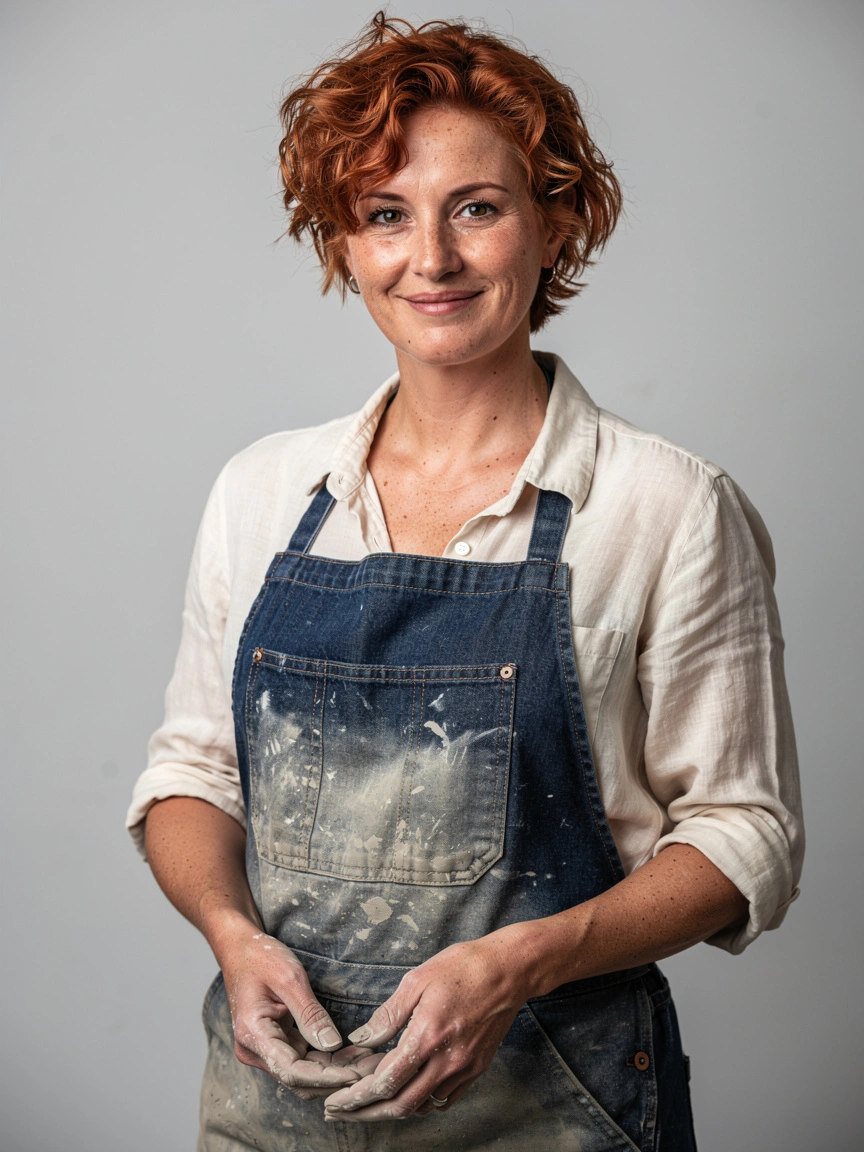
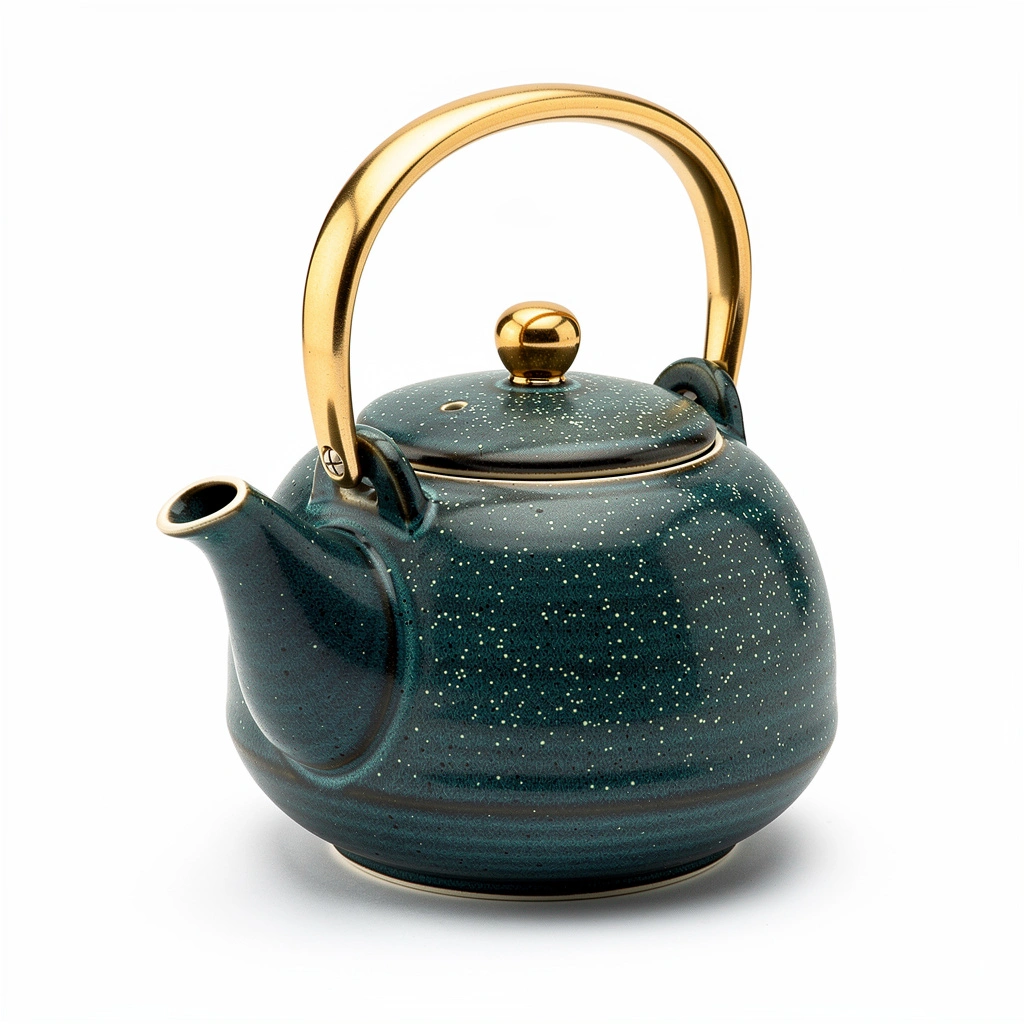
woman.webp and teapot.webp. The 20-minute deadline is several times the longest job we ran.
delete_media_on_completion if you want to download it again.